🛡️
100% Local & Secure
Your files are never uploaded to a server — everything is processed on your device. Smart magic-byte analysis correctly detects corrupted files or files with the wrong extension.
Fast · Local · Secure
Kryval v1.0 gives you a modern dark-mode converter for images, audio, and video with batch workflows, presets, export settings, and Windows desktop integration.
PNG, JPG, JPEG, BMP, GIF, TIFF, WEBP, DDS
MP3, WAV, FLAC, AAC, OGG, M4A, WMA, OPUS
MP4, AVI, MKV, MOV, WEBM, FLV, WMV, M4V
Your files are never uploaded to a server — everything is processed on your device. Smart magic-byte analysis correctly detects corrupted files or files with the wrong extension.
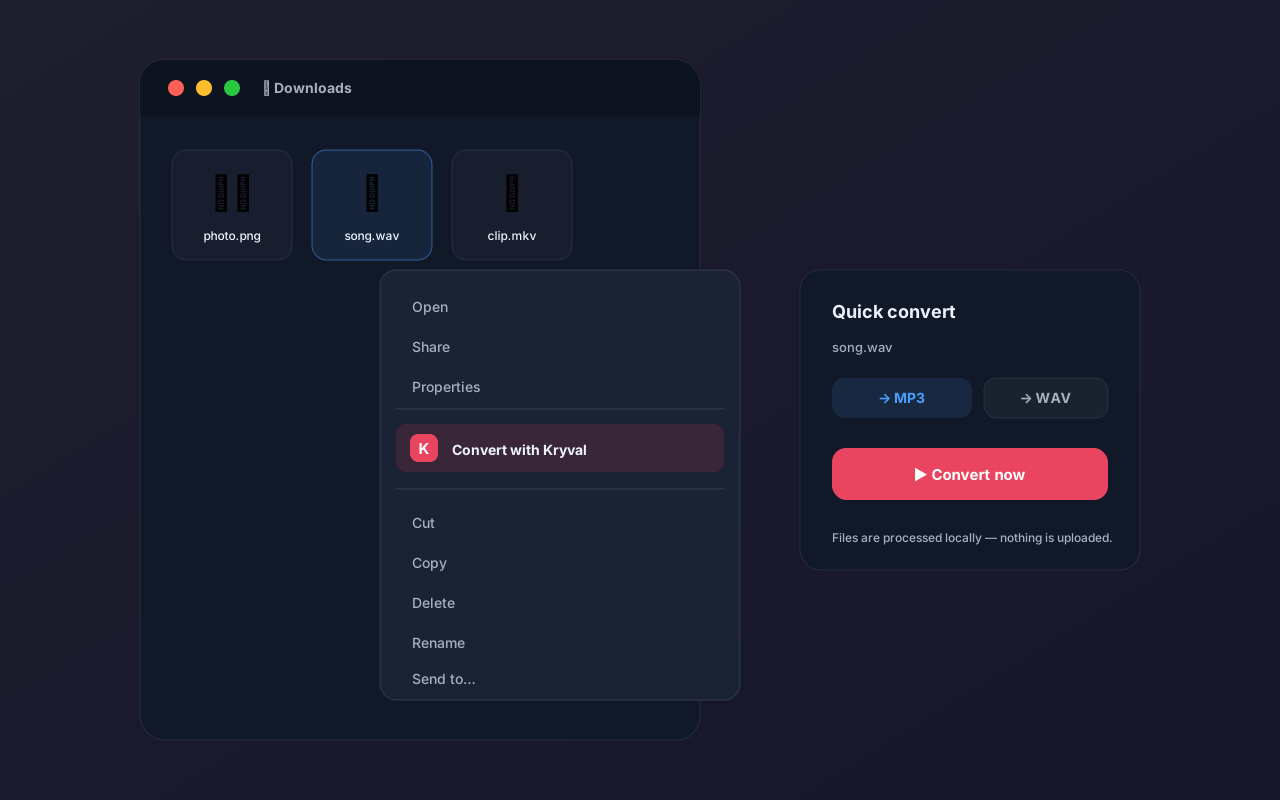
Drop your files straight into the app, or start converting instantly from the Windows right-click menu.
Queue and convert multiple files of different types — images, audio, and video — all at the same time.
Windows 11-ready design with dark and light theme support — a clean, eye-friendly interface.
Always reach the latest version with a single click, thanks to the AutoUpdater.NET infrastructure.
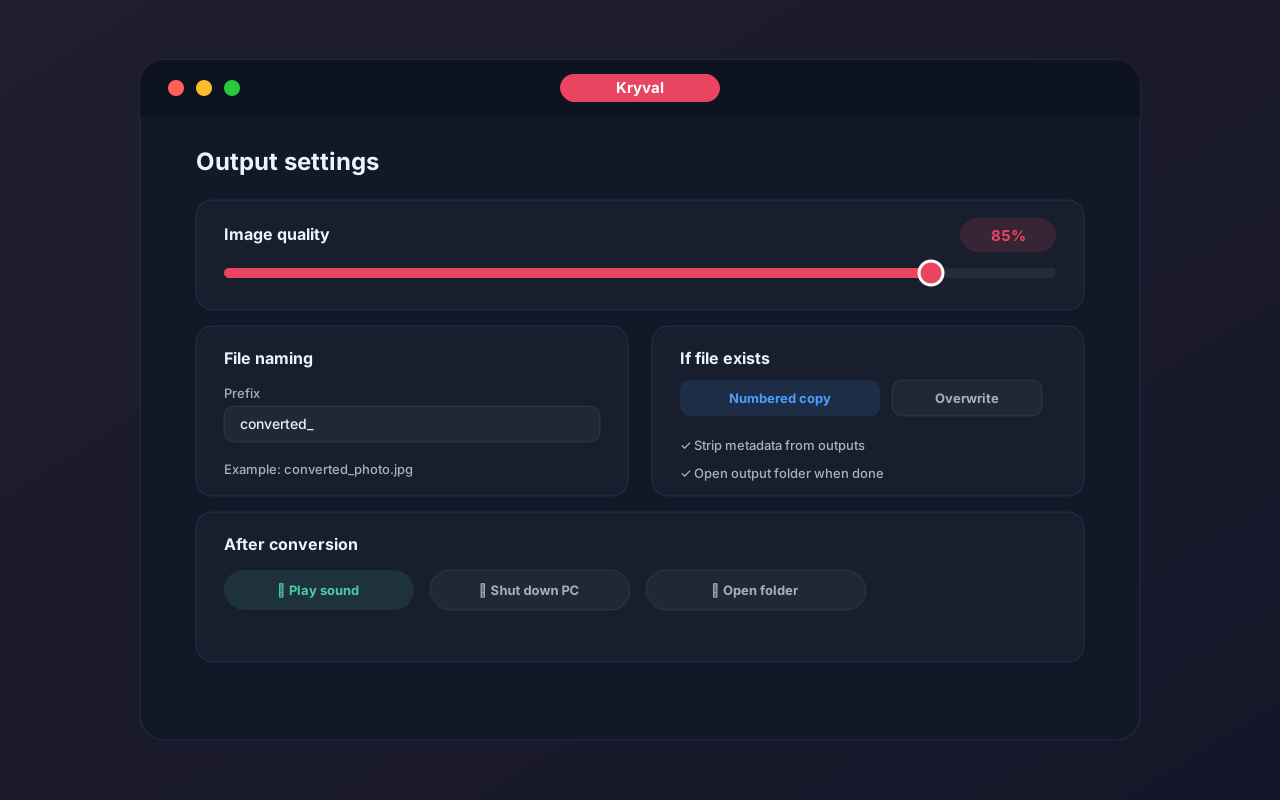
Quality settings, file naming (prefix/suffix), and post-conversion actions like playing a sound or shutting down your PC.
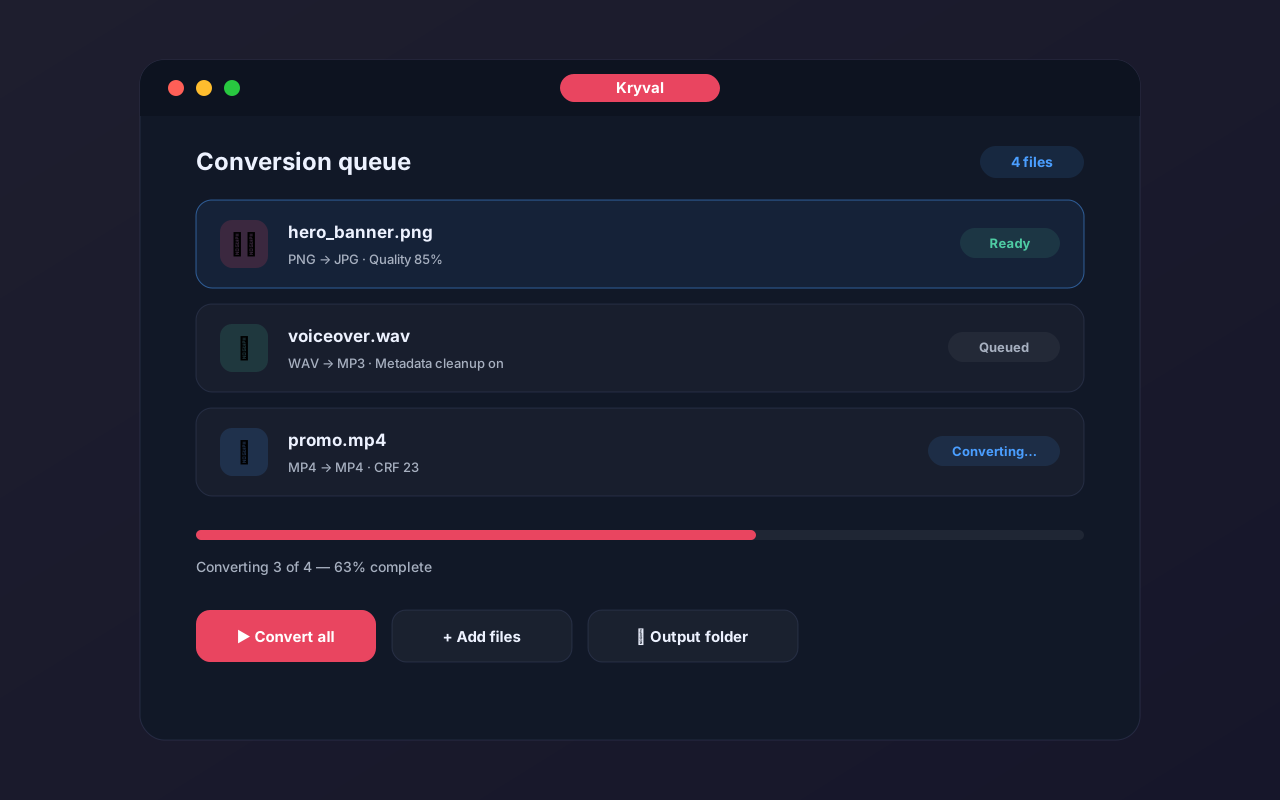
See images in the queue, track output types, and identify file status instantly.
Choose output folder, rename files, strip metadata, and decide how conflicts are handled.
Right-click files and folders in Windows to convert directly from Explorer.
“Kryval feels premium, fast, and surprisingly capable for a desktop converter. The queue and quality controls save time on every batch.”
— Design workflow user“The ability to convert huge folders locally, rename outputs, and keep metadata out is exactly what I needed.”
— Media editor